How Do We Use TesterArmy at TesterArmy?
A look behind the scenes at how the TesterArmy team uses its own product to test the dashboard, the agent, and every pull request we ship.

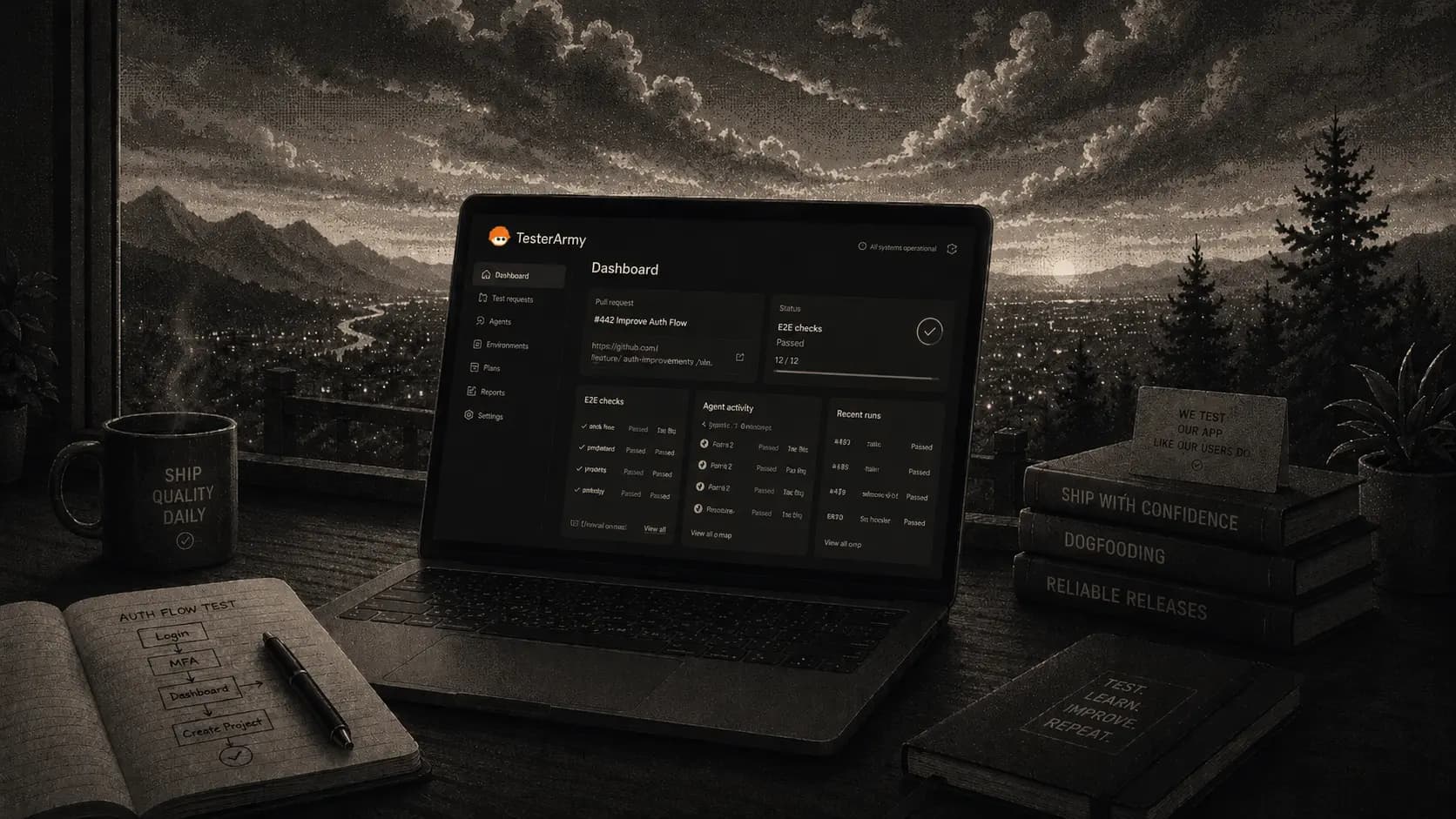
Every team building a developer tool eventually gets asked the same question: do you actually use it yourselves?
For a QA product, that question has extra bite. If our own agent cannot keep our own app stable, there is no reason you should trust it with yours. So yes - we use TesterArmy to test TesterArmy. Every pull request against our dashboard gets tested by the same agent we sell, running against the same preview deployments you would use.
But honestly, dogfooding is not something we do to make a point. It is the fastest feedback loop we have. When a run is flaky, we feel it before a customer does. When writing a test is annoying, we get annoyed first. A surprising number of product decisions started as one of us complaining about our own internal test suite.
In this post I will walk through how that works in practice: the test suites we maintain internally, how runs plug into our pull requests and how we let agents create tests for us.
Introduction
TesterArmy is a tool for testing your apps, so our main use case is the obvious one: testing TesterArmy itself.
We maintain test groups for different parts of the application - everything from checking that 404 pages render correctly, up to full login and project creation flows.
The full group runs on a schedule every three hours. Regressions surface within hours of landing instead of days, which usually means we can fix them before anyone hits them.
Shipping with confidence
In the agentic era, code gets written faster than ever - which means bugs can ship faster than ever too. Catching them after deploy is not good enough anymore.
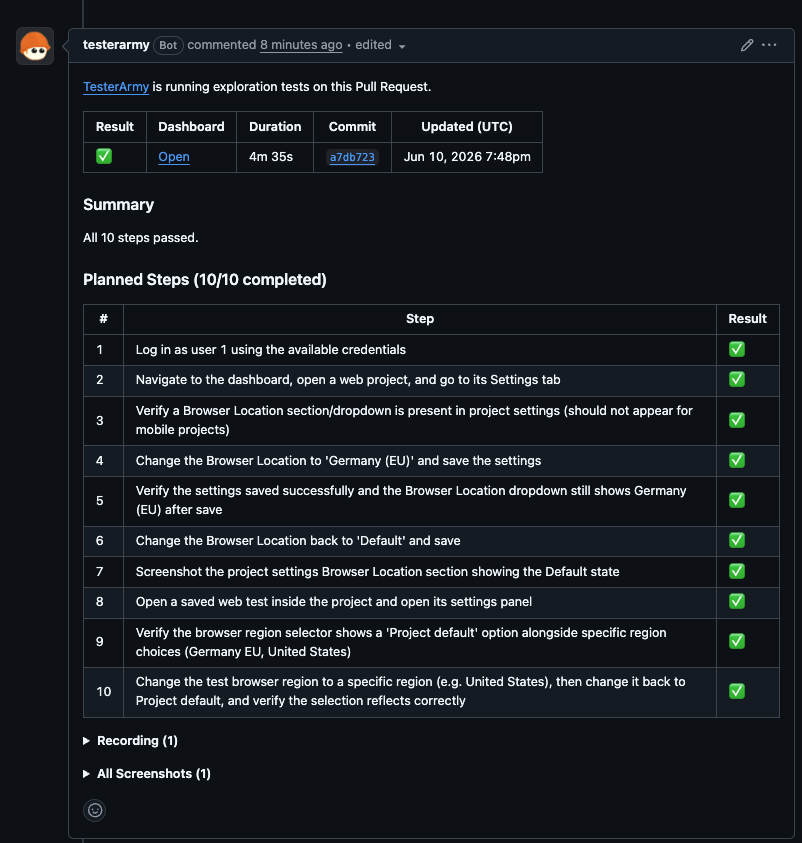
So besides the schedule, we run tests on every pull request. Each PR gets a run against its preview deployment, and the result lands as a check on GitHub. If the agent finds a regression, we know before merge, not after - and we ship with confidence.
Tests that adapt to you
Predefined tests only cover what we thought to write down. That is why our PR runs also include dynamic tests: the agent reads the pull request - the diff, the description - and plans a fresh set of steps targeting exactly what changed. Whatever the saved suites do not cover, the dynamic plan goes after.
This matters because a test suite that only knows yesterday's app goes stale fast. Dynamic tests adapt to the codebase as it changes, so you do not need to write a new test for every feature you ship.
Let an agent set up your tests
Earlier I said we maintain these tests - that was not completely true. We let agents do that for us.
We rarely click through the dashboard to create tests. TesterArmy has a CLI (ta), and our coding agents use it to manage QA for us. When a coding agent finishes a feature in our repo, it can:
- save a regression test for the new flow with
ta tests create - queue a remote run with
ta tests run <testId> --waitand read back the result - point runs at the right target with saved environments
- store durable knowledge about the app with
ta memories create, so future runs already know its quirks
The result is that test coverage grows in the same pull request as the feature, without anyone context-switching into a dashboard.
If you want to learn more about it, check our CLI documentation.
Where it doesn't help (yet)
There are still changes the agent cannot test for us. GitHub App logic is the best example: verifying it means acting across multiple applications - pushing commits, watching webhooks arrive, checking what shows up on the pull request. Those flows we still test by hand.
We are actively extending the agent's capabilities to cover more of these cases.
Takeaways
If you are thinking about adopting TesterArmy, steal our setup:
- Let a coding agent bootstrap your tests through the CLI instead of configuring everything by hand.
- Enable dynamic tests so coverage adapts to every pull request automatically.
- Schedule your core test groups to catch regressions within hours, not days.