
HTTP Basic Auth
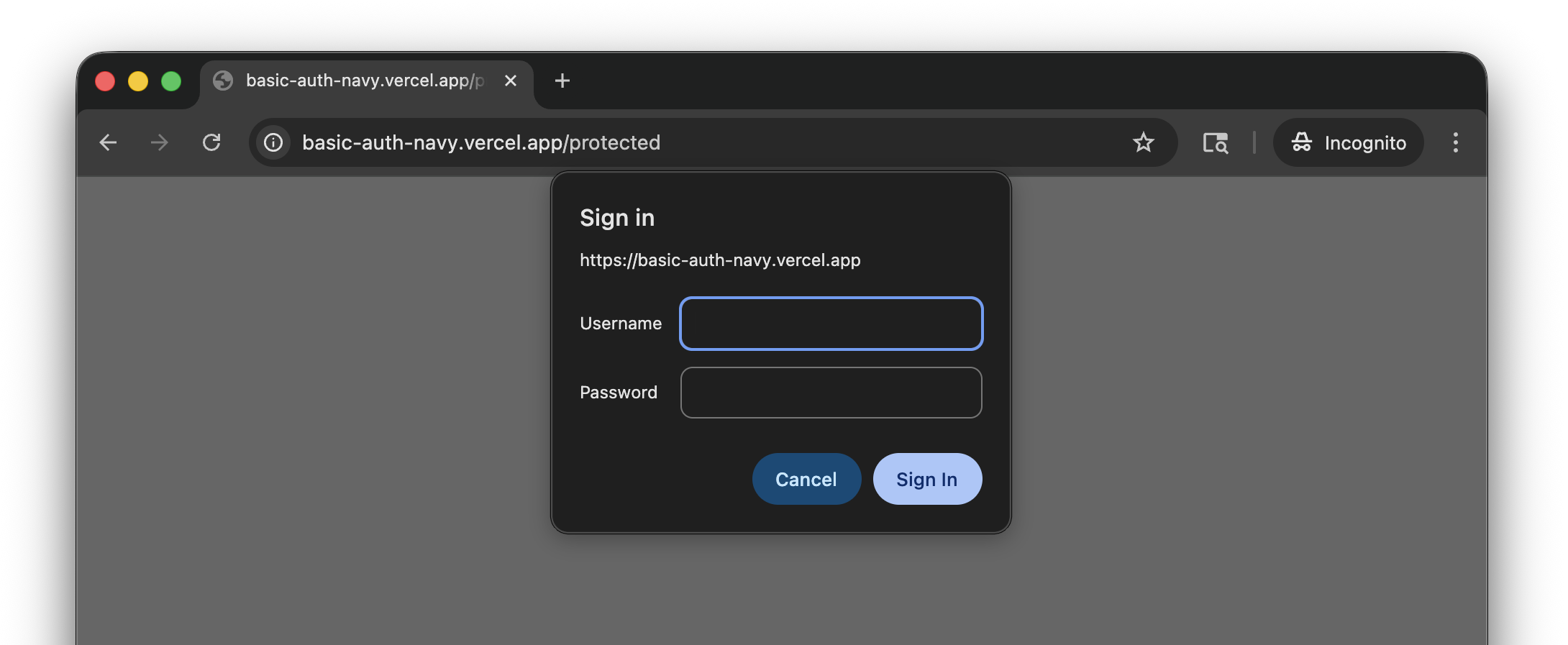
If your staging or preview site is behind HTTP Basic Authentication, save credentials in TesterArmy so the AI agent can access it during test runs.
Setup
- Go to Project Settings → Integrations → Site Protection.
- Click Set up on the HTTP Basic Auth card.
- Enter the username and password.
- Click Save.
Credentials are stored encrypted and sent automatically with every test run for that project.
Troubleshooting
Basic auth prompt still appears
Check that the credentials are saved under Project Settings → Integrations → Site Protection, not under app test accounts.
401 Unauthorized
The saved HTTP Basic Auth username or password is likely wrong. Confirm the same credentials work in a normal browser, update the Site Protection settings, and retry the run.
App login still fails
HTTP Basic Auth only unlocks the site before the app loads. If the app itself has a login form, also add Test Credentials.